
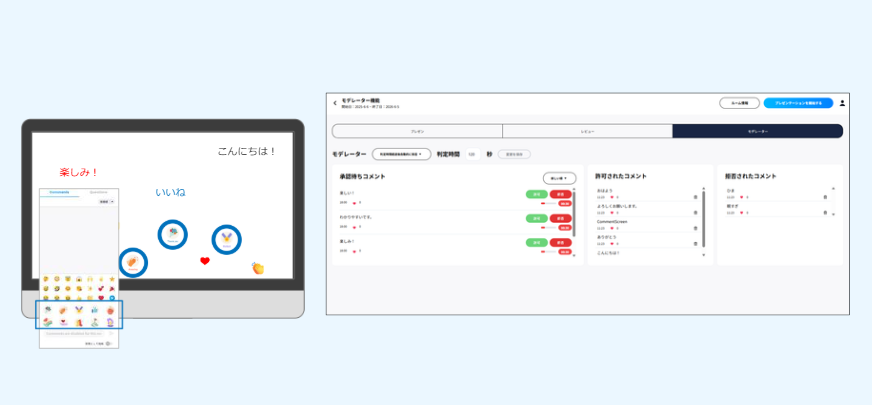
Comment Moderation
Submitted comments require approval before they are displayed.
How to Use Comment Moderation
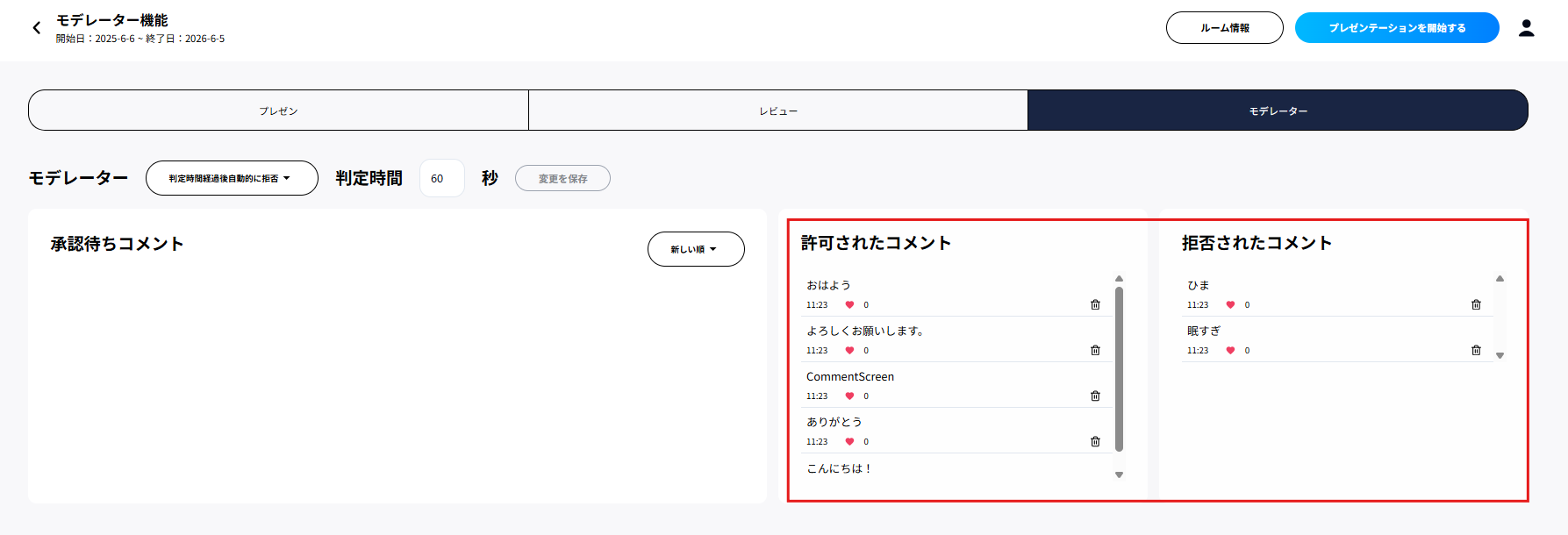
Step 1. Enter the room.
Step 2. Switch to the Moderator tab.
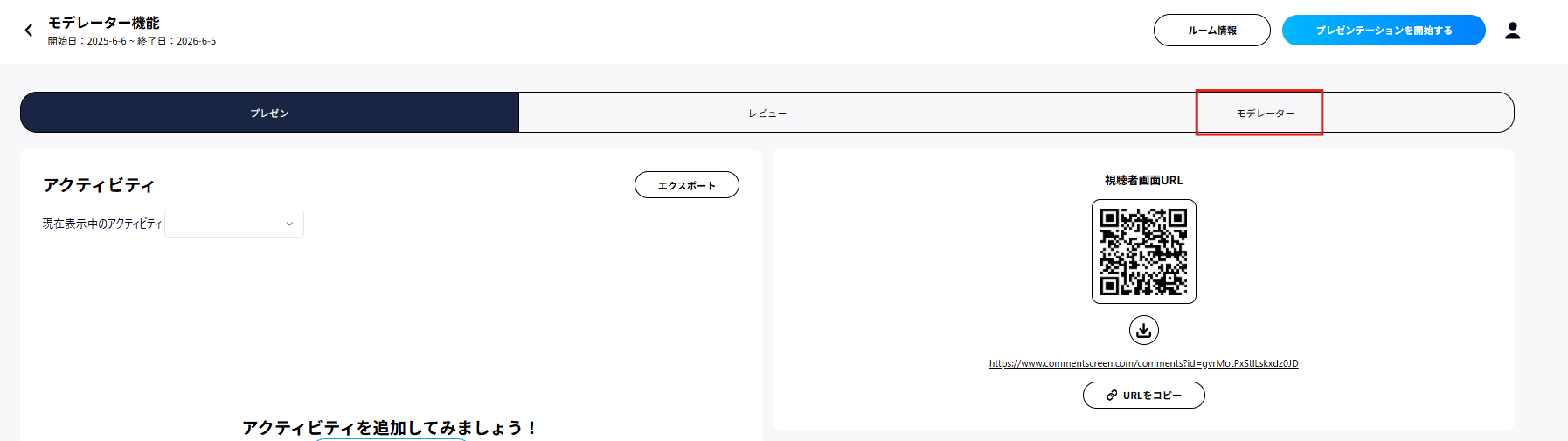
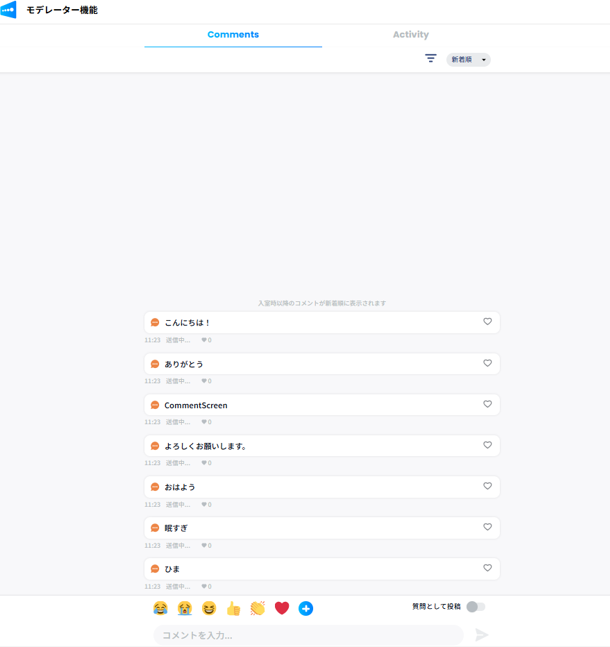
Step 3. Comments submitted by participants appear under Pending comments.
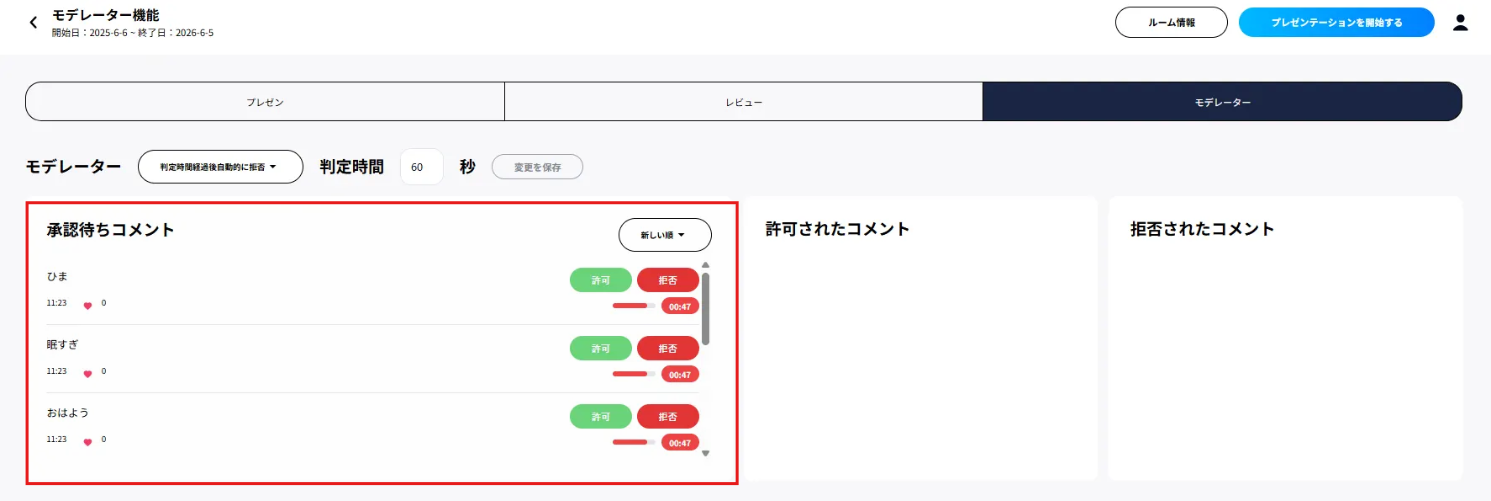
Step 4. Click Approve to move a comment to Approved comments, or Reject to move it to Rejected comments.
Disable Text Comments
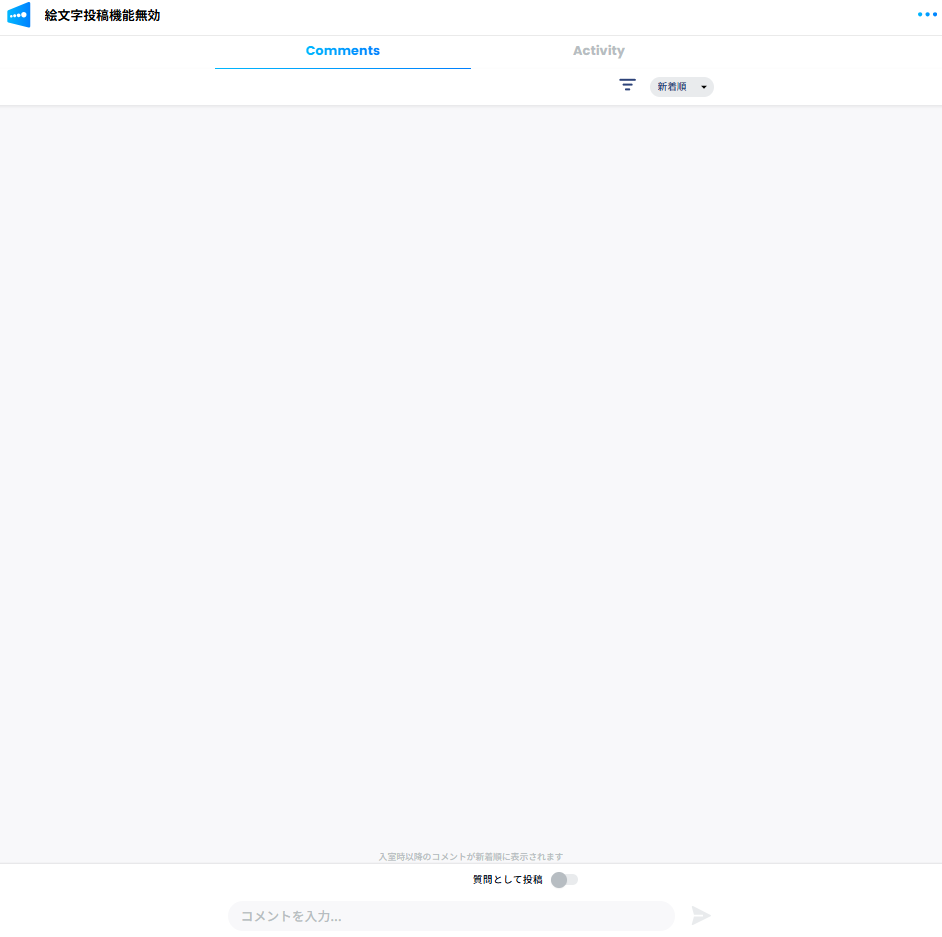
Participants can send emoji only; text comments are disabled.

Disable Emoji
Participants can post text comments only; emoji are disabled.
Require a Nickname
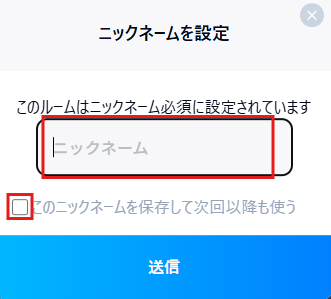
Participants must set a nickname.
When they open the comment page, a nickname entry screen appears. Enter a nickname, select Save this nickname and use it next time, and submit.
Many other customizations are available. Please contact us for details.